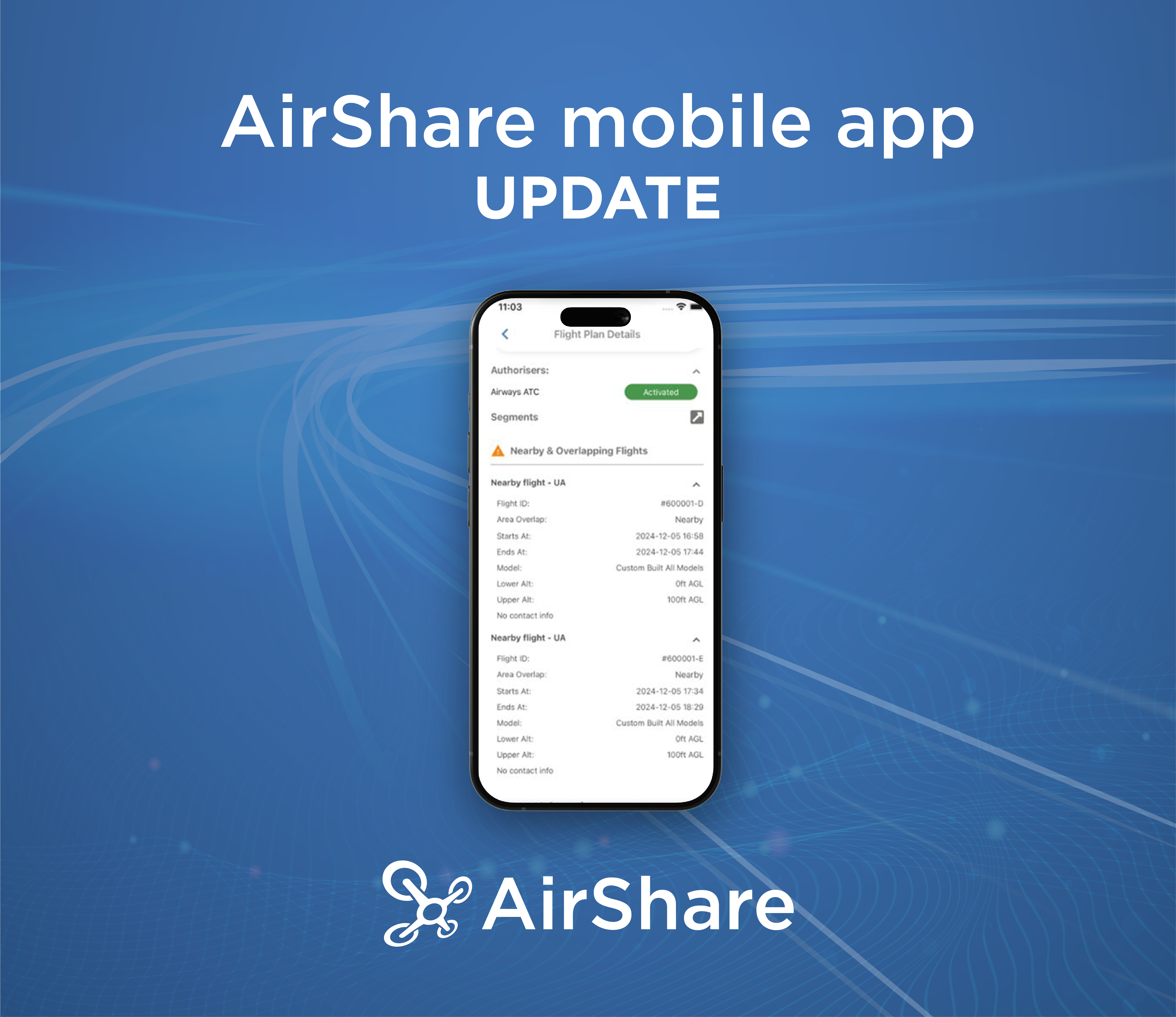
The AirShare web app has been updated with various new functions and features for drone pilots, to improve their AirShare experience. Please see below for the latest release details.
We hope this latest web release is useful. We expect to release an AirShare mobile update in the next few weeks.
We welcome feedback and suggestions on potential improvements for AirShare. Please email through any ideas or feedback to us at info@airshare.co.nz.
Extending a flight after the planned end time
Pilots can now extend their flight by up to 30 minutes, even if the flight has already passed its original end time. This ensures that if your flight runs longer than expected, you can continue operating safely and stay compliant without needing to create a new flight request.
When a flight is extended after the original finish time, the system will automatically send a Terminate SMS to the pilot once the updated end time is reached (if the flight hasn’t been manually terminated). This ensures that you’re still reminded to close the flight at the right time, even after an extension.
How it works:
- You can extend a flight up to 30 minutes before or after the planned end time
- If you don’t terminate at the planned finish time, you’ll receive a Terminate SMS reminder
- After extending your flight, the Terminate SMS will now be sent again at the new finish time if you still haven’t terminated.
NOTE: The extension option won’t be available if:
- A request to land or flight termination is already in progress
- You’re flying under Part 101 rules and the extension would push the flight past daylight hours.
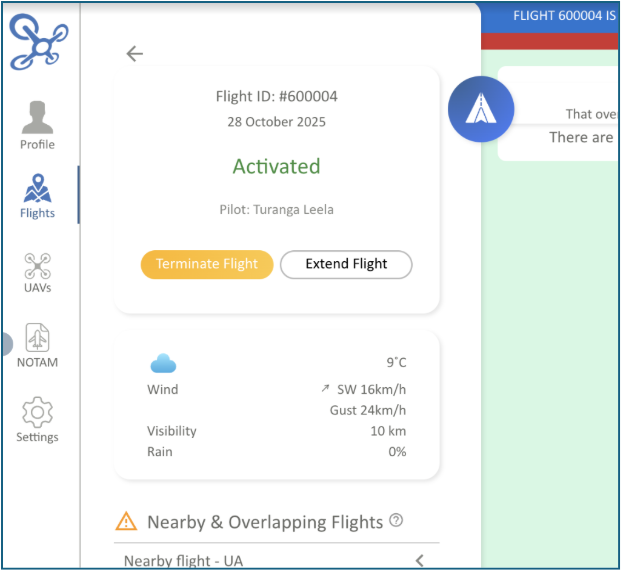
Please note that this function is only available on web until we release a mobile update in the next few weeks.
WhatsApp and SMS messaging updates
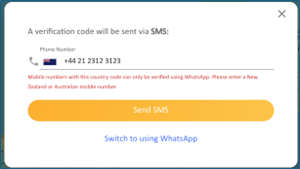
Pilots can now choose how they receive messages and verify their AirShare accounts – either by WhatsApp or SMS. This change makes it easier for those users without a New Zealand or Australian phone number to stay connected and verified.
- During sign-up or when updating your profile, you can select WhatsApp or SMS as your preferred contact method
- WhatsApp is chosen automatically if your number hasn’t already been verified by SMS
- You can switch between WhatsApp and SMS at any time through your profile settings
- NZ (+64) and AU (+61) numbers use SMS, while international users must use WhatsApp for verification and communication
- If you cannot use WhatsApp and don’t have a New Zealand or Australian number, as with current functionality, you will not be able to use the AirShare app
- Country code validation has been added to ensure you select the right method when registering or updating your number
- Messages sent by AirShare may arrive through WhatsApp or SMS, depending on how you’re set up — if WhatsApp delivery isn’t available, the message will automatically fall back to SMS.
Current users
- Users with New Zealand/Australian numbers:
If your phone number is already verified via SMS, nothing immediately changes. You’ll continue receiving messages the same way. However, you’ll now see the option to switch to WhatsApp from your profile settings if you’d prefer.
- Users with international numbers (outside NZ and AU):
If you previously registered on AirShare with an international number, you’ll be encouraged to link a WhatsApp account the next time you log in. This ensures you can still receive verification messages and flight notifications reliably. If you can’t connect a WhatsApp account, you won’t be able to continue using the app.
Please note that if you have an international number and you’re logged into AirShare, you will not be able to log a flight, however you can view existing flights.

Various other improvements
- The height slider has been updated, including allowing manual entry of height
- The VHF radio contact button is now selectable in all areas
- For P102 operators, a new option needs to be selected: VLOS, EVLOS or BVLOS
- The flight purpose list has been updated.